DeskHorizon is an infinite glass canvas for Windows 11. Live browsers, real terminals and AI agents sit together on one zoomable desk — driven by a single command bar or your voice. Everything saves, and returns exactly as you left it.
 Claude
 Codex
Codex Hermes agent
 GPT‑Realtime
 Parakeet
 Linux SSH terminal
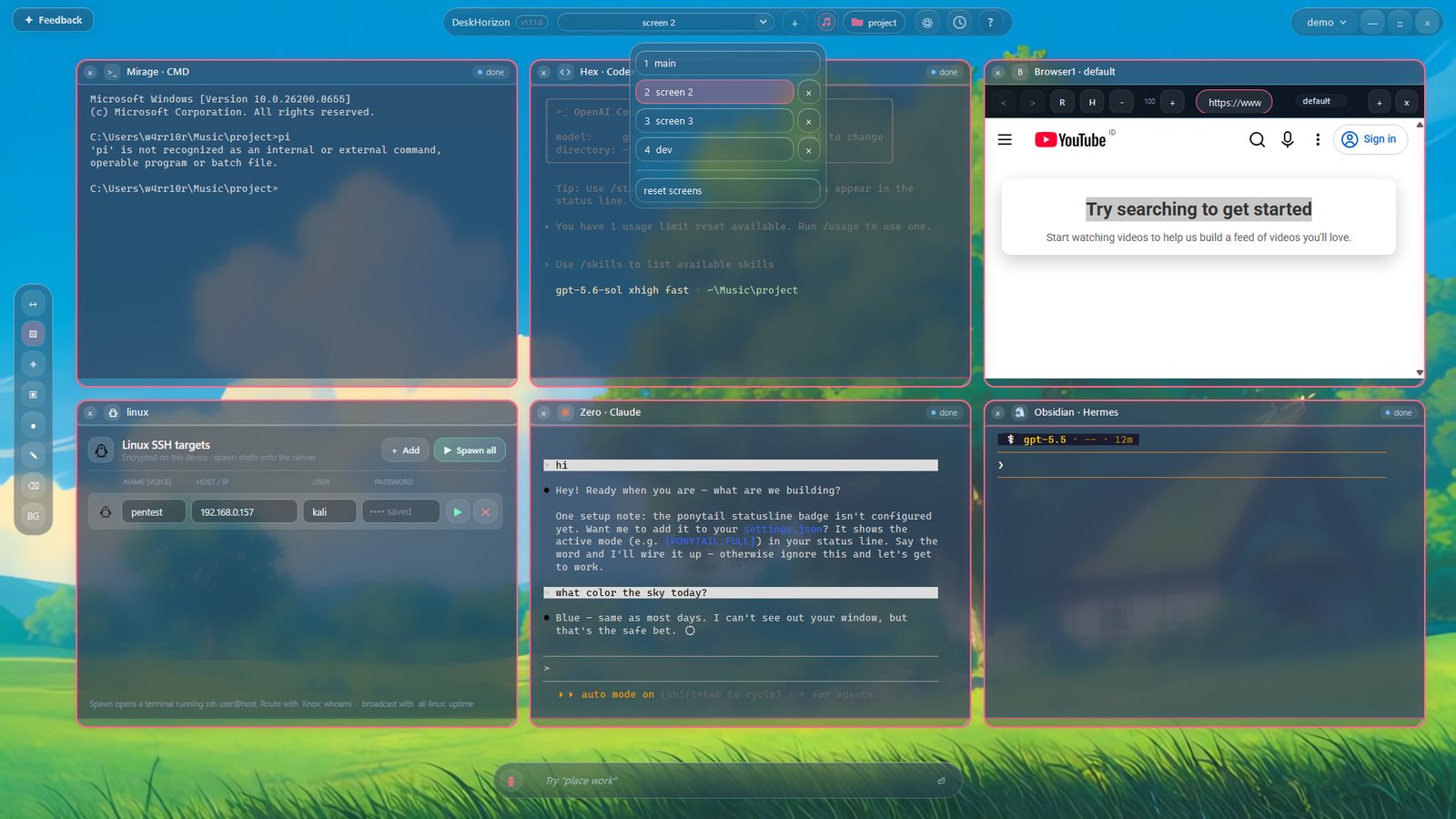
Not stacked, overlapping windows — a single infinite, zoomable world you fill with real tools and drive by typing or speaking.
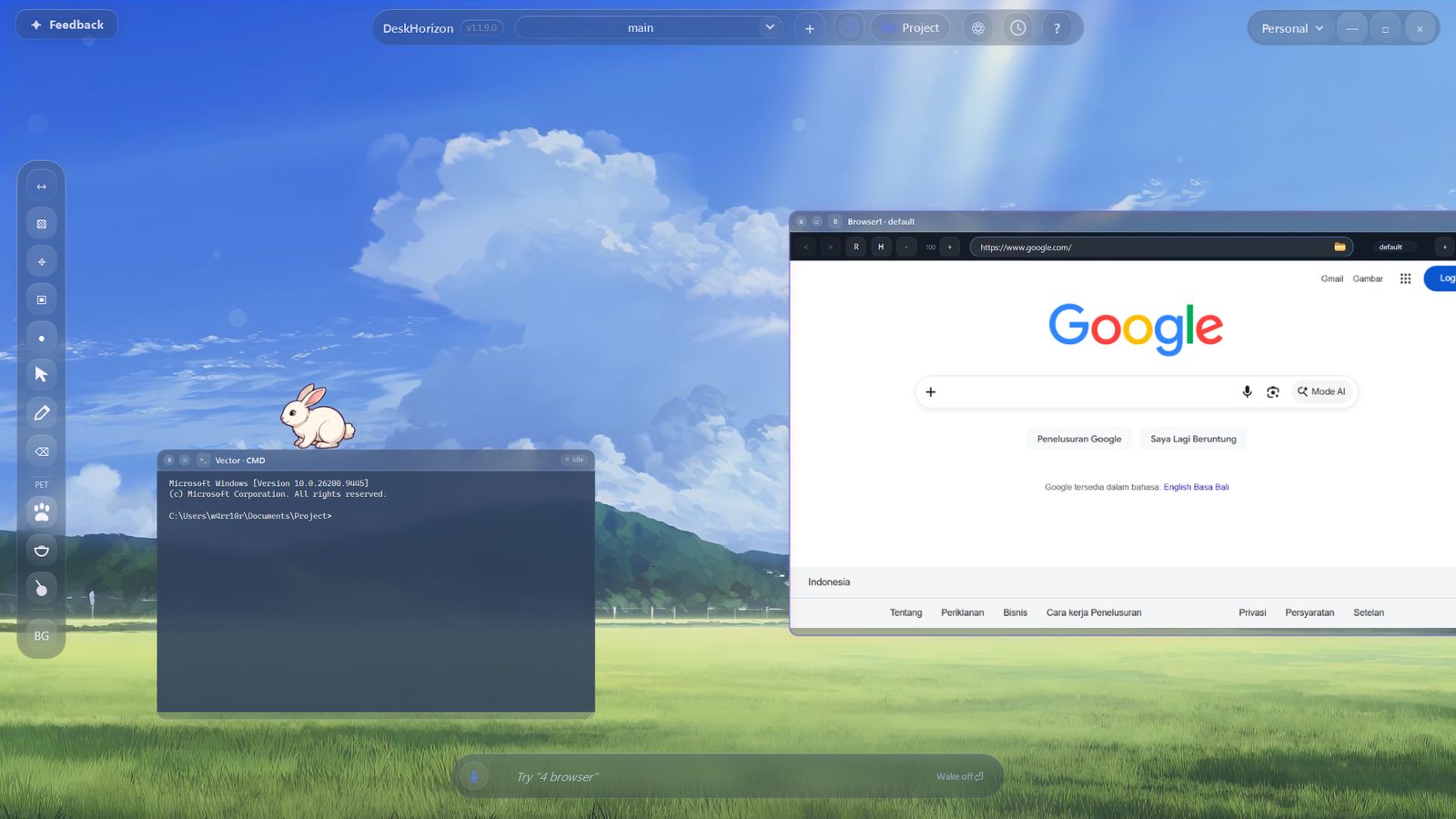
Chromium browsers and real terminals live as movable tiles on an infinite, zoomable desk — not separate OS windows.
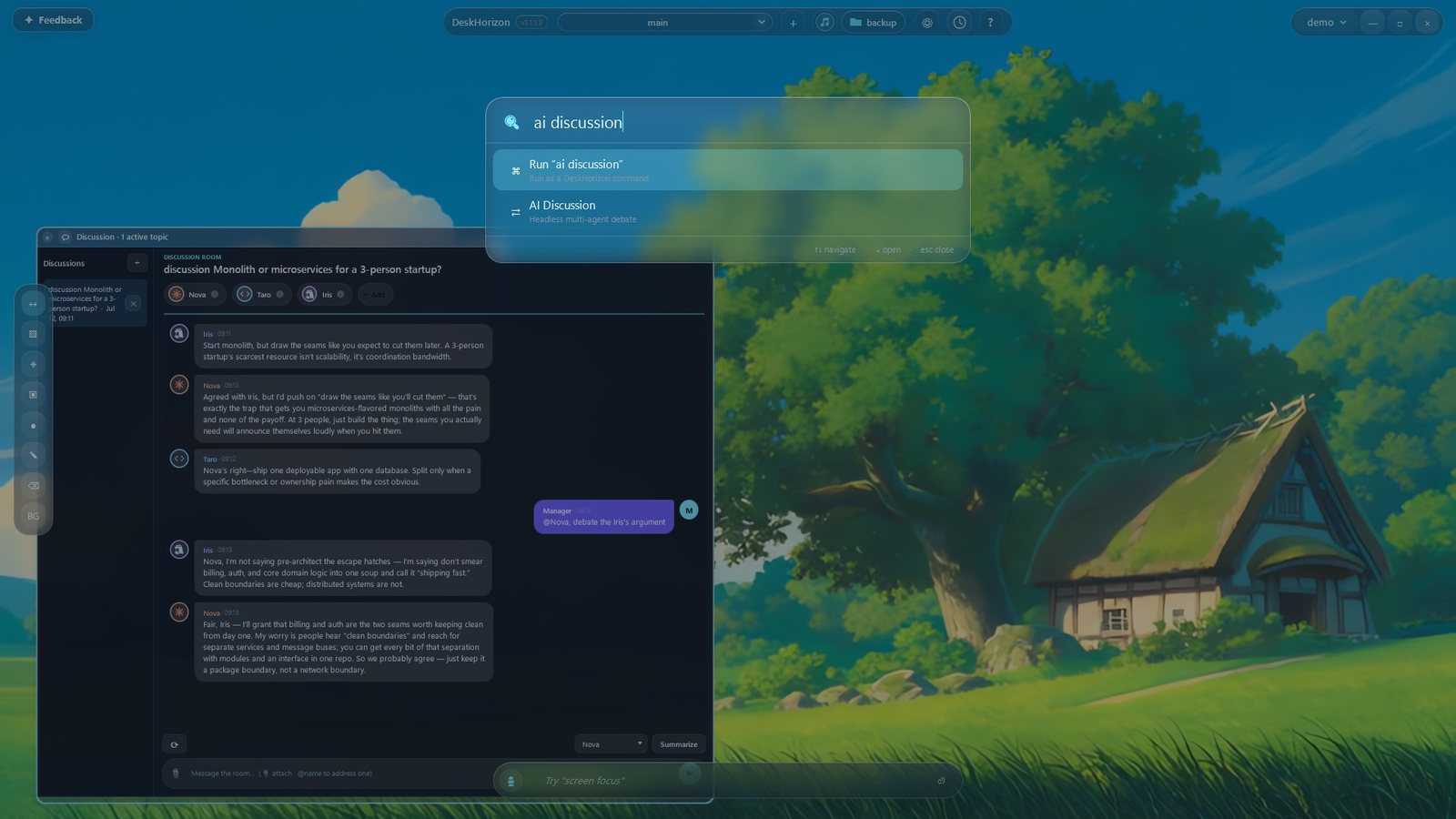
Type browser google.com, 3 cmd, claude, screen work. No menus to hunt through — one bar runs the whole desk.
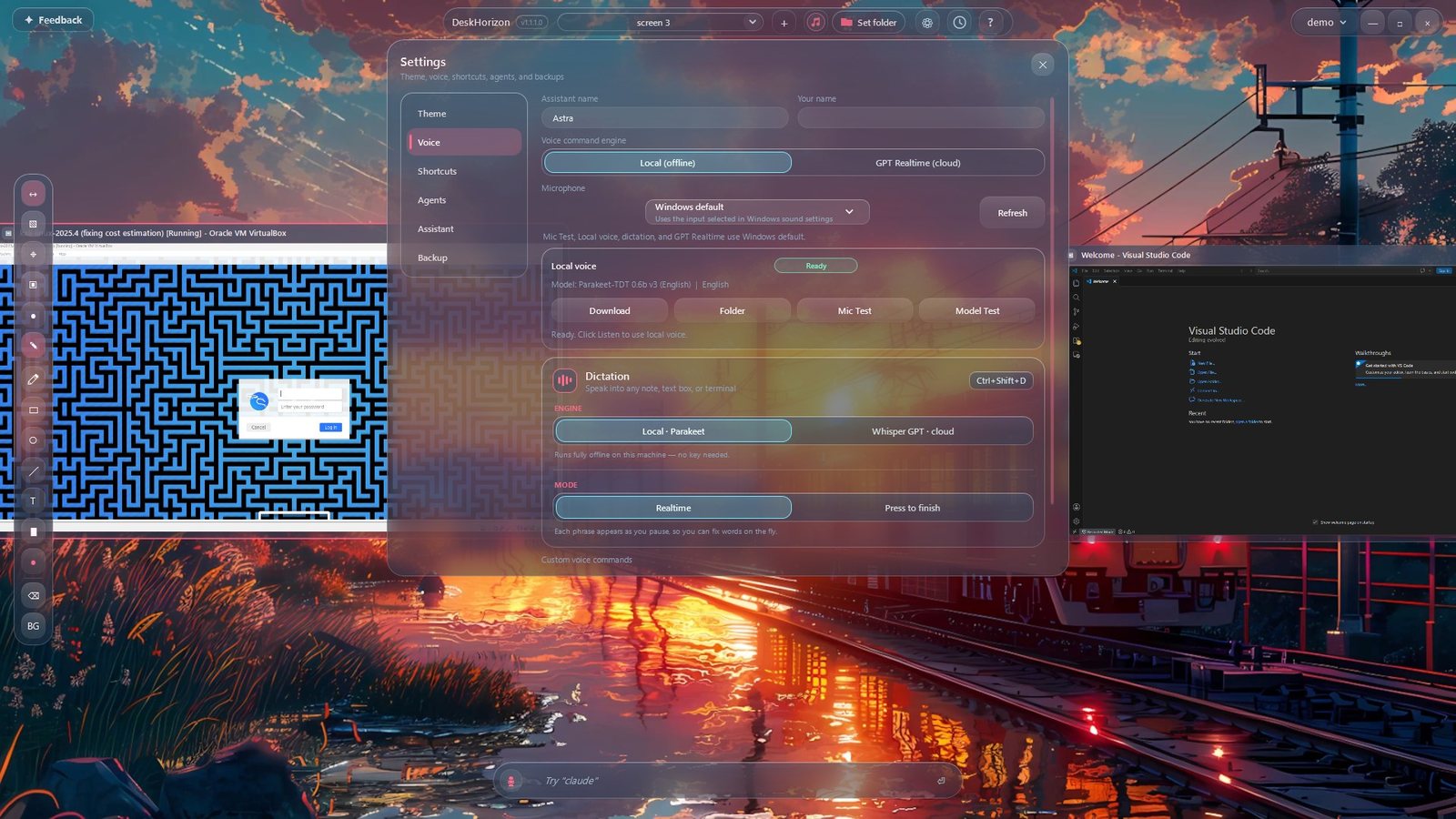
“Open three terminals”, “go to Knox”, “play lofi.” A fully offline voice engine is included — or use cloud voice with your own key.
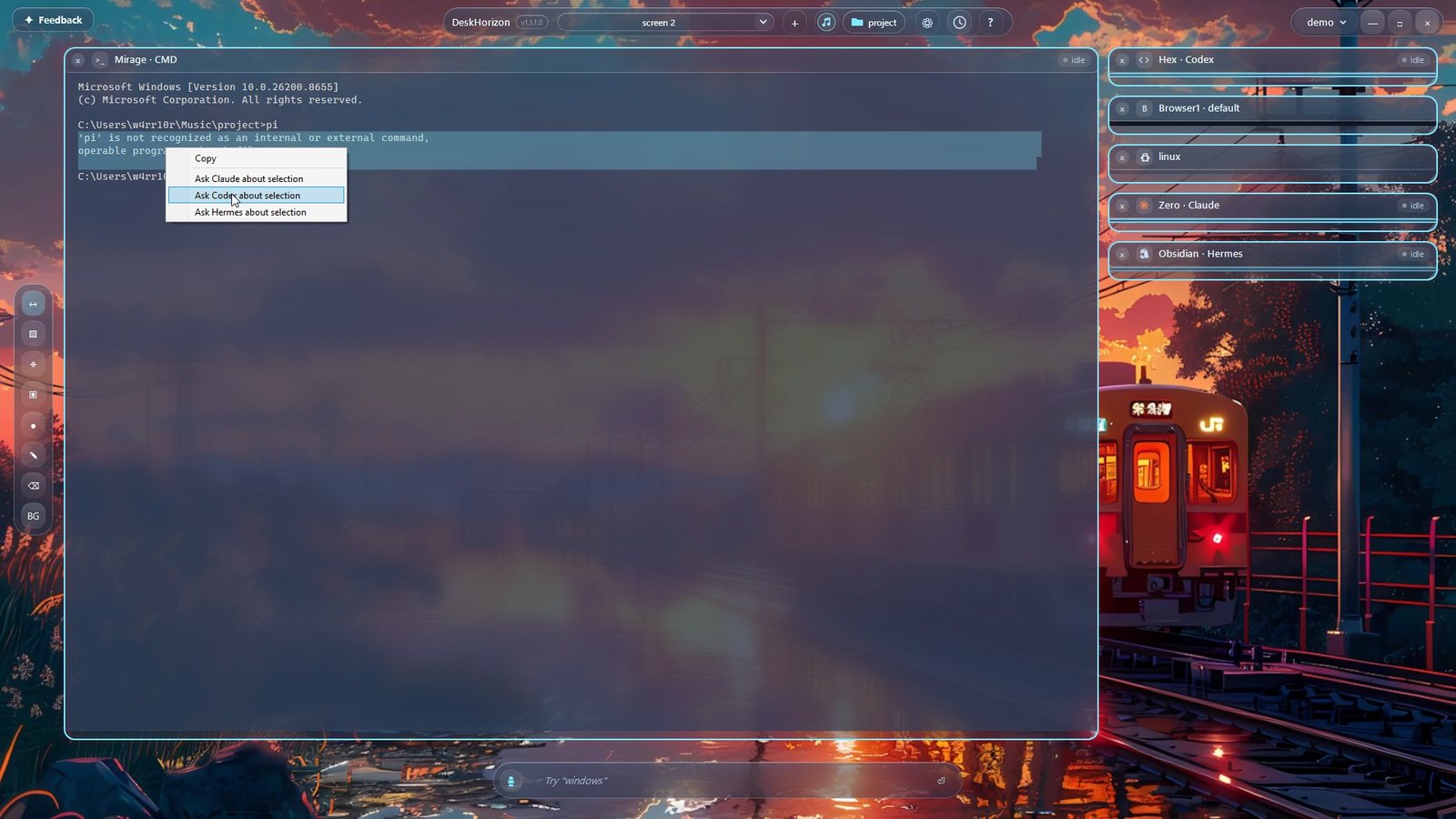
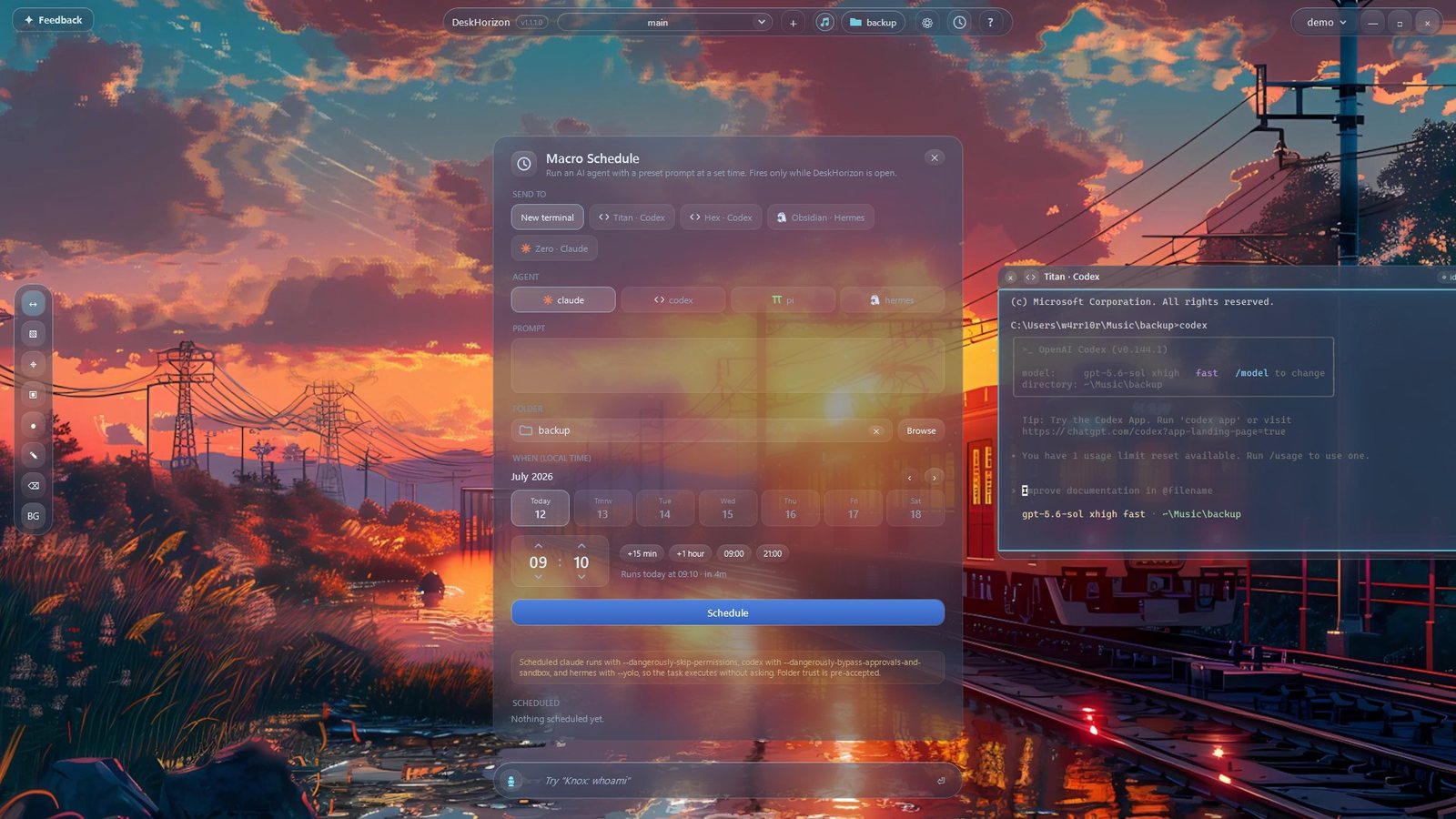
Launch Claude, Codex or Hermes as live canvas terminals — even a coordinated agent team, or a prompt scheduled to run while you're away.
Named canvases for each context, plus fully isolated workspace profiles you can back up and carry to another PC.
Notes, logins and captures never leave your PC. Keys and passwords are sealed with Windows DPAPI. Nothing is uploaded, no tracking.
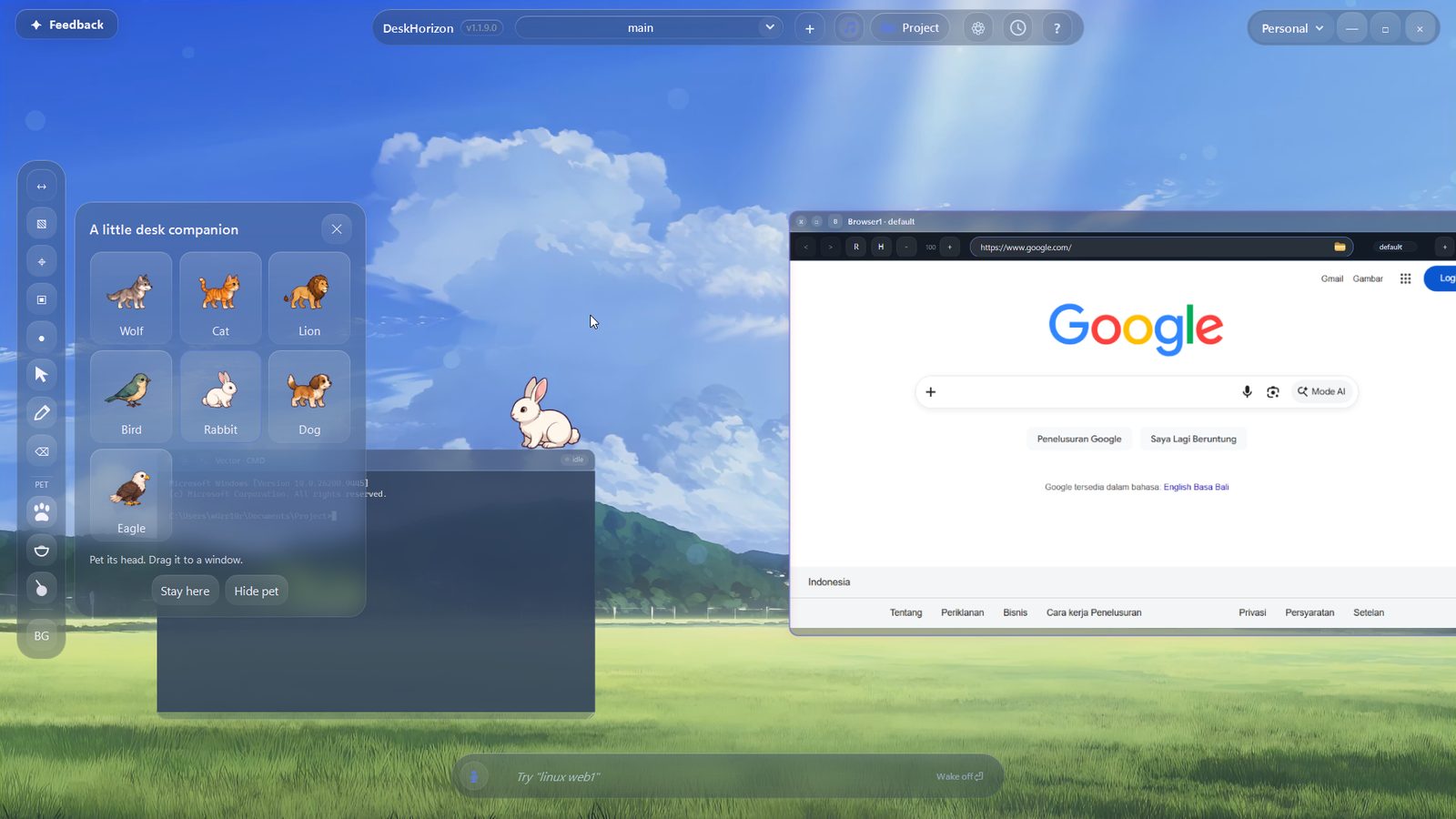
The canvas, the command bar, live agents and voice — the whole desk moving as one.
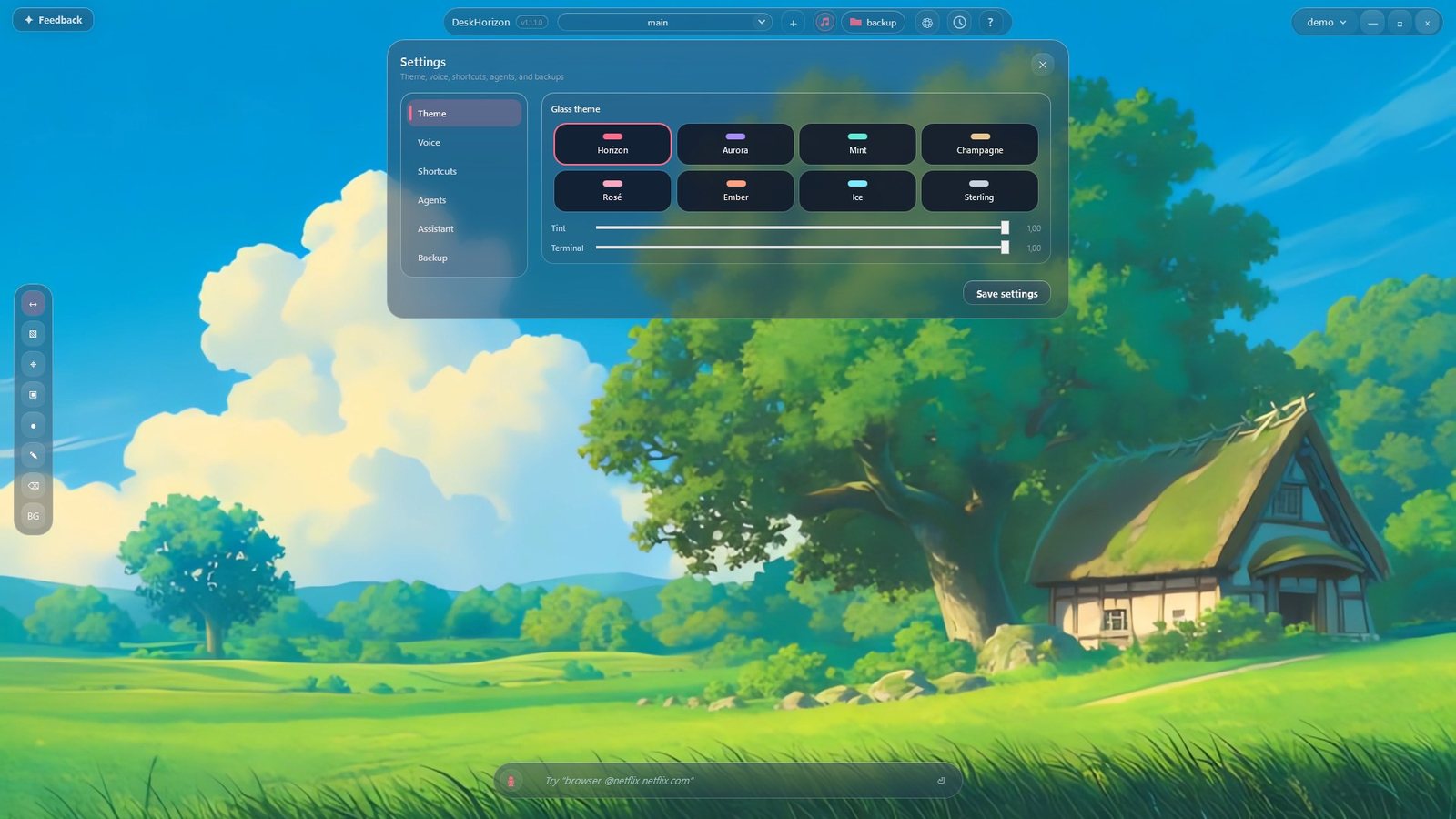
Every shot is DeskHorizon running on Windows 11. Tap any one to view it full size.
A one-time Microsoft Store purchase — no subscription. Microsoft handles payment, your local currency, tax and updates.
Buy once through Microsoft Store and keep using DeskHorizon without a subscription.
one-time purchase · lifetime use · shown in your local currency at checkout
A lifetime Microsoft Store license to the complete DeskHorizon workspace — every feature on this page and every update in the 1.x release line. One payment, never a subscription.
Windows 11 is recommended (64-bit). Open the Microsoft Store listing, install DeskHorizon, and create your first workspace — the Chromium engine and local voice models ship inside the app, no extra installers.
Completely. Notes, logins, screenshots and settings all stay on your own device. Nothing is uploaded and there’s no tracking. API keys and SSH passwords are sealed with Windows DPAPI.
Voice comes two ways: a fully offline engine that runs on your machine after a one-time model download — no account, no key — or cloud voice with your own GPT-Realtime key, stored only on your device. You can also launch your own AI agents, like Claude or Codex, as live canvas terminals.
Everything you open stays where you put it, and comes back next launch. Spend your attention on the work, not the arrangement.
Download from Microsoft Store